



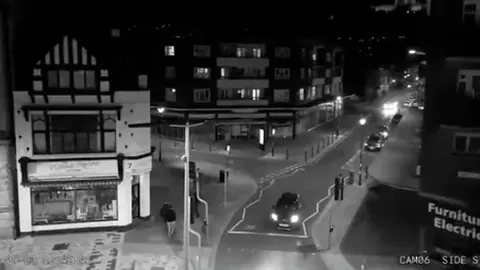
MJPEG stream
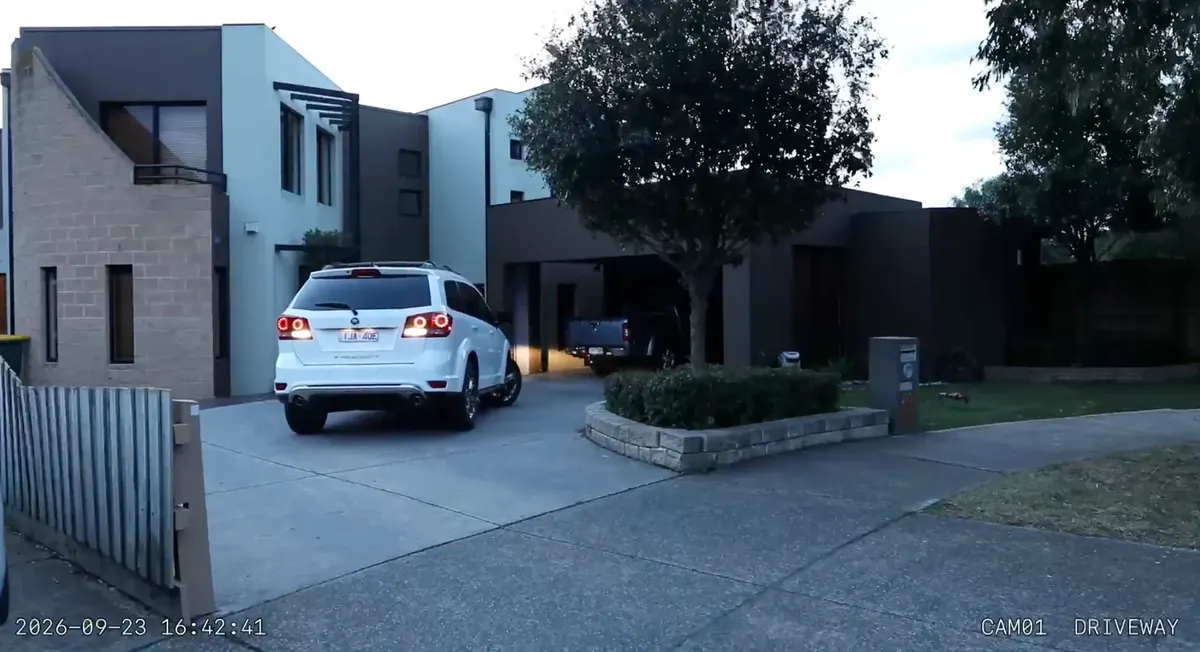
A continuous live stream for every camera. Use it on dashboards, wall tablets, and camera cards that should always be moving.
 Loki Eye Local NVR
Free NVR software for IP cameras
Loki Eye is a network video recorder for IP cameras. Footage stays on storage you control, and recording takes a fraction of one CPU core.

Loki Eye records the stream your camera already produces. There is no vendor cloud in between, and no account needed for the free tier.
Motion detection comes from each camera’s own ONVIF events, with adjustable pre-roll and post-roll. The recorder never has to analyse video.
A Windows PC, Mac, or Linux machine you already own. Streams are written straight to disk instead of being decoded and re-encoded.
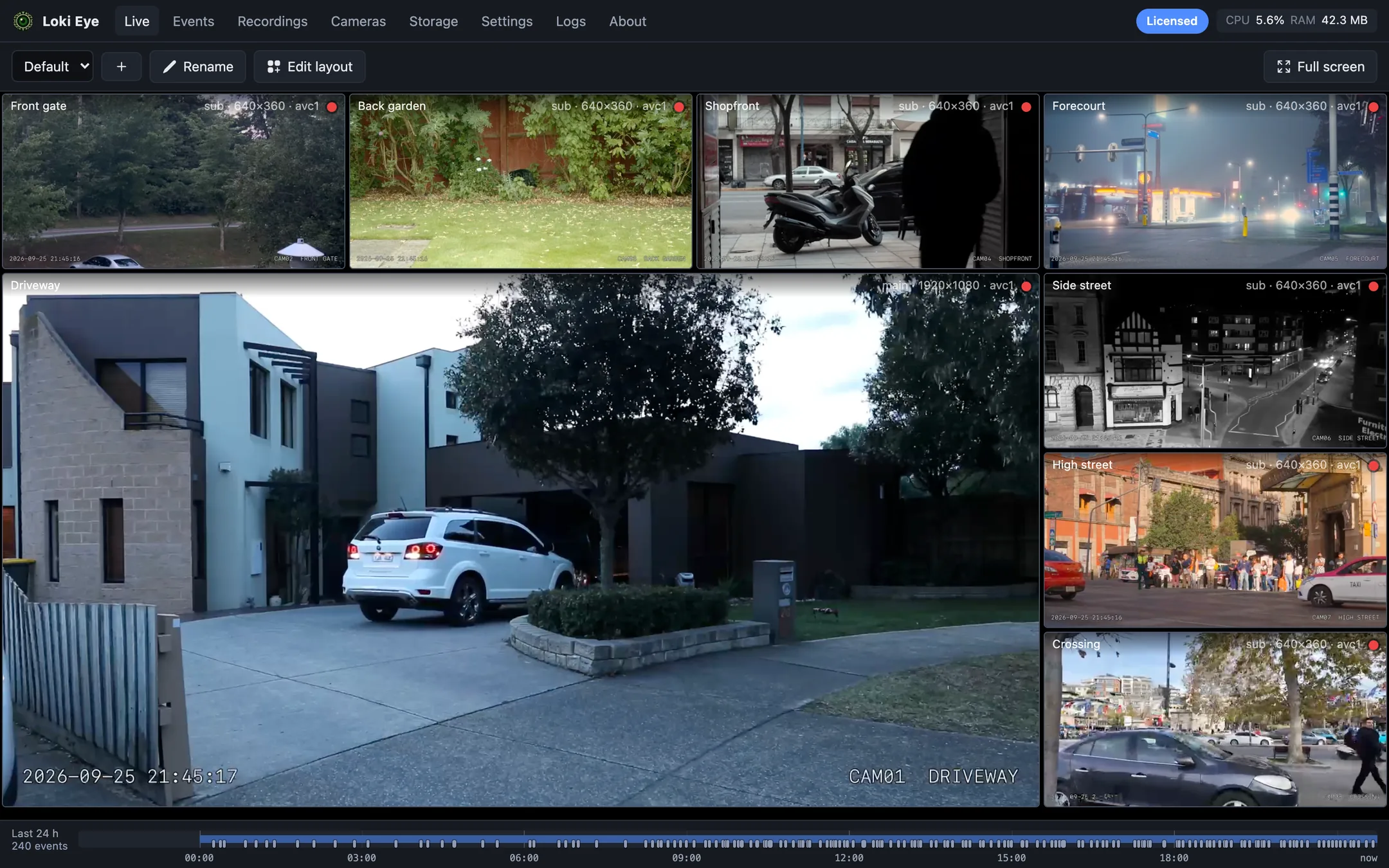
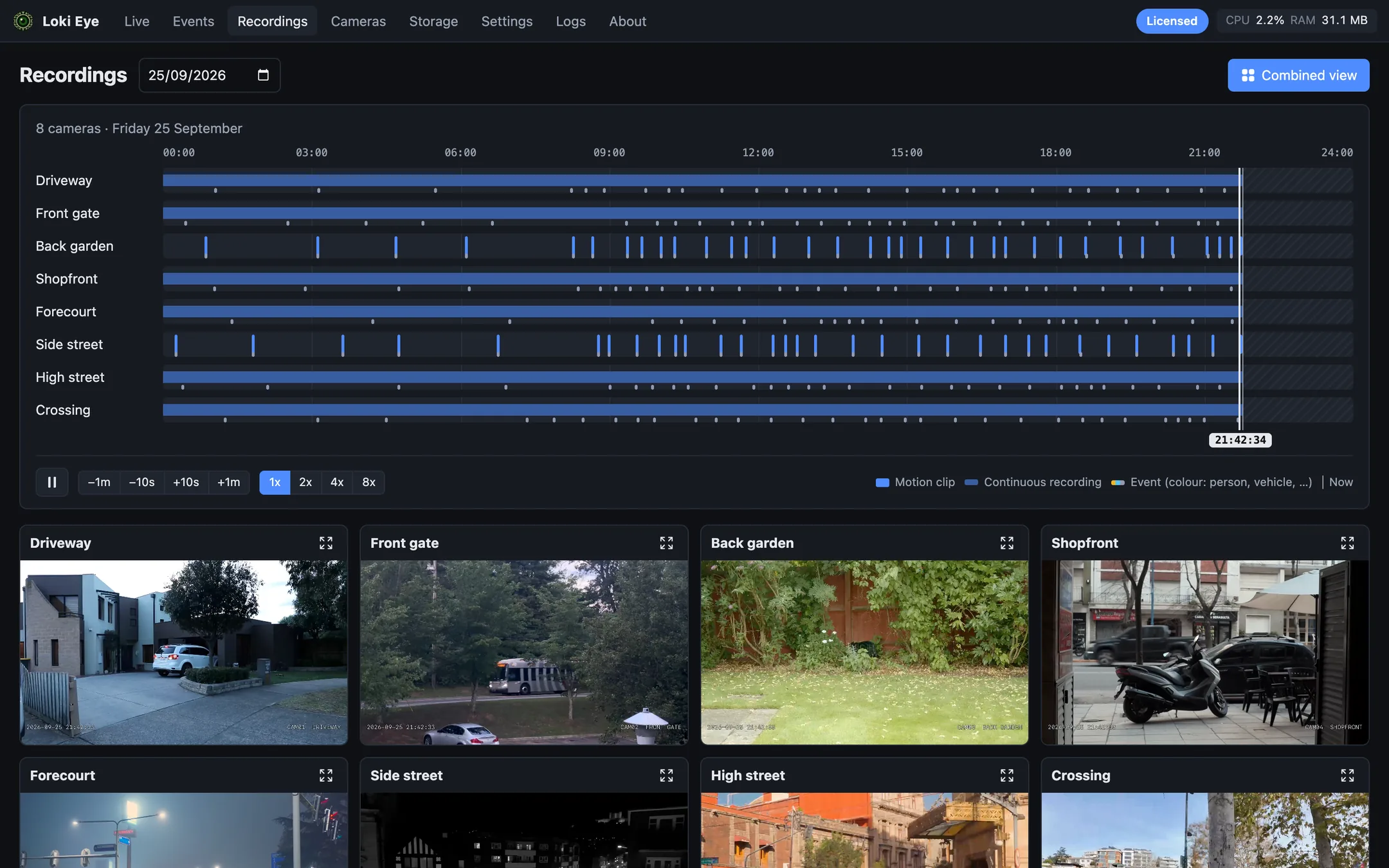
Live view, recordings, layouts, storage, and system health on the recorder itself, and with a licence, in a password-protected browser on your laptop, phone, or wall display. A local API serves MJPEG streams and still images to Home Assistant and other home automation tools.
Your footage never passes through anyone else’s servers. See every connection it makes.
See full featuresWe run Loki Eye against cameras from these brands, using their ONVIF motion events and RTSP streams. Other cameras with ONVIF or an RTSP stream should work too, and you can add any camera by its stream address.
Brand names and logos belong to their owners and are shown only to say which cameras we have tested. Loki Eye is not affiliated with or endorsed by any of them.
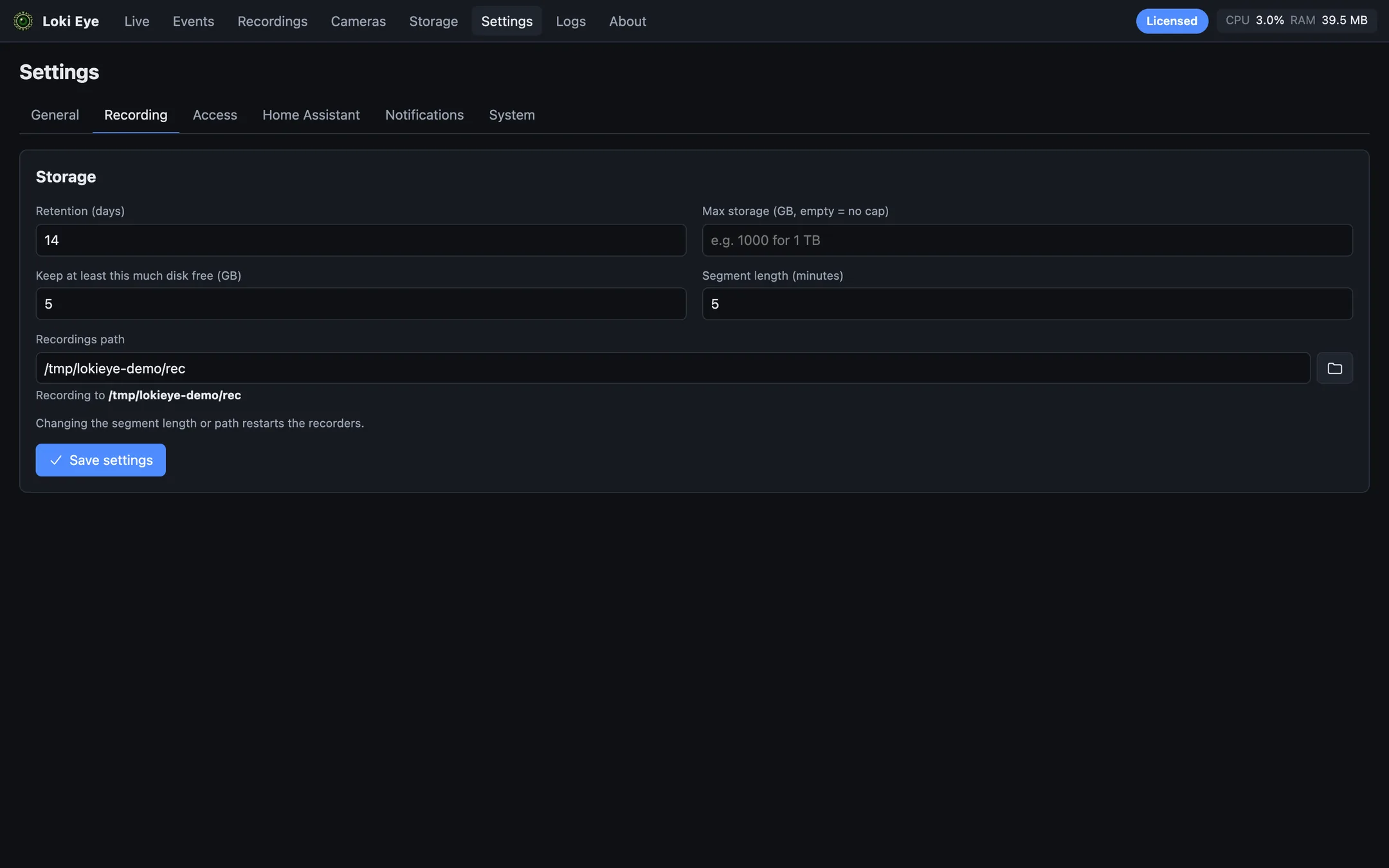
3.0%
of one CPU core to record eight 1080p cameras, with 40 MB of memory
Measured on macOS while the settings screenshot was taken.
Loki Eye has a local HTTP API. Home Assistant, or any home automation tool that takes a camera URL, reads each camera from your recorder over your own network, with no cloud account in between.
A continuous live stream for every camera. Use it on dashboards, wall tablets, and camera cards that should always be moving.
A fresh JPEG of any camera on request. Attach it to a notification when a door opens, or save it from an automation.
Both work with Home Assistant’s built-in camera integrations, and with Node-RED, openHAB, and anything else that reads an MJPEG or image URL.
€0
€29+ VAT per year
€99+ VAT once
Founder price until 31 March 2027, then €129 + VAT.
Buy lifetimePrices exclude VAT. Checkout adds the VAT for your country and shows your local currency before you pay. If a licence lapses, Loki Eye keeps running your first two cameras on the recorder computer. Payments are handled by Lemon Squeezy, our merchant of record, so your card details never reach us.
Free for two cameras. Pick the build for the machine that will record.
The recorder and its interface in one app.
On storage attached to your Loki Eye recorder. Camera video is not uploaded to a Loki Eye cloud service.
Your cameras and settings remain. Loki Eye returns to the free limit and runs the first two enabled cameras. Browsers on other devices can no longer open it; the recorder computer and the HTTP API keep working.
Yes. A lifetime licence costs €99 + VAT once and never expires, and every future update is included. Like the yearly licence, it covers one recorder machine. Founder price until 31 March 2027, then €129 + VAT.
If Loki Eye ever shuts down, we will first release a final version that runs without our licence server, so lifetime and active yearly licences keep every camera and feature. Your recordings are already on your own disk, so there is nothing to export.
With a licence, yes. Set an access password on the recorder, then open its address in any browser on your network and sign in. Away from home, use your own VPN. The free version is viewed on the recorder computer itself.
Yes. Remove it from the current installation first. If that computer is unavailable, contact support from your account.
No. A signed licence response remains valid offline for up to 48 hours between checks.
Our macOS builds are not yet notarised by Apple, so macOS blocks the first launch as coming from an unidentified developer. Open Loki Eye once and close the warning, then go to System Settings › Privacy & Security, scroll down, and click Open Anyway next to the Loki Eye message. Confirm with your password. On macOS 14 or earlier you can instead Control-click Loki Eye in Applications and choose Open. You only need to do this once, and we will remove this step once notarisation is in place.
Install Loki Eye, add your cameras, and it starts recording to your own disk.
Download free